
Scheduling in ICTHospital means two things: the appointments booked against a doctor on a given day, and the jobs that chase people about them without anybody pressing send.
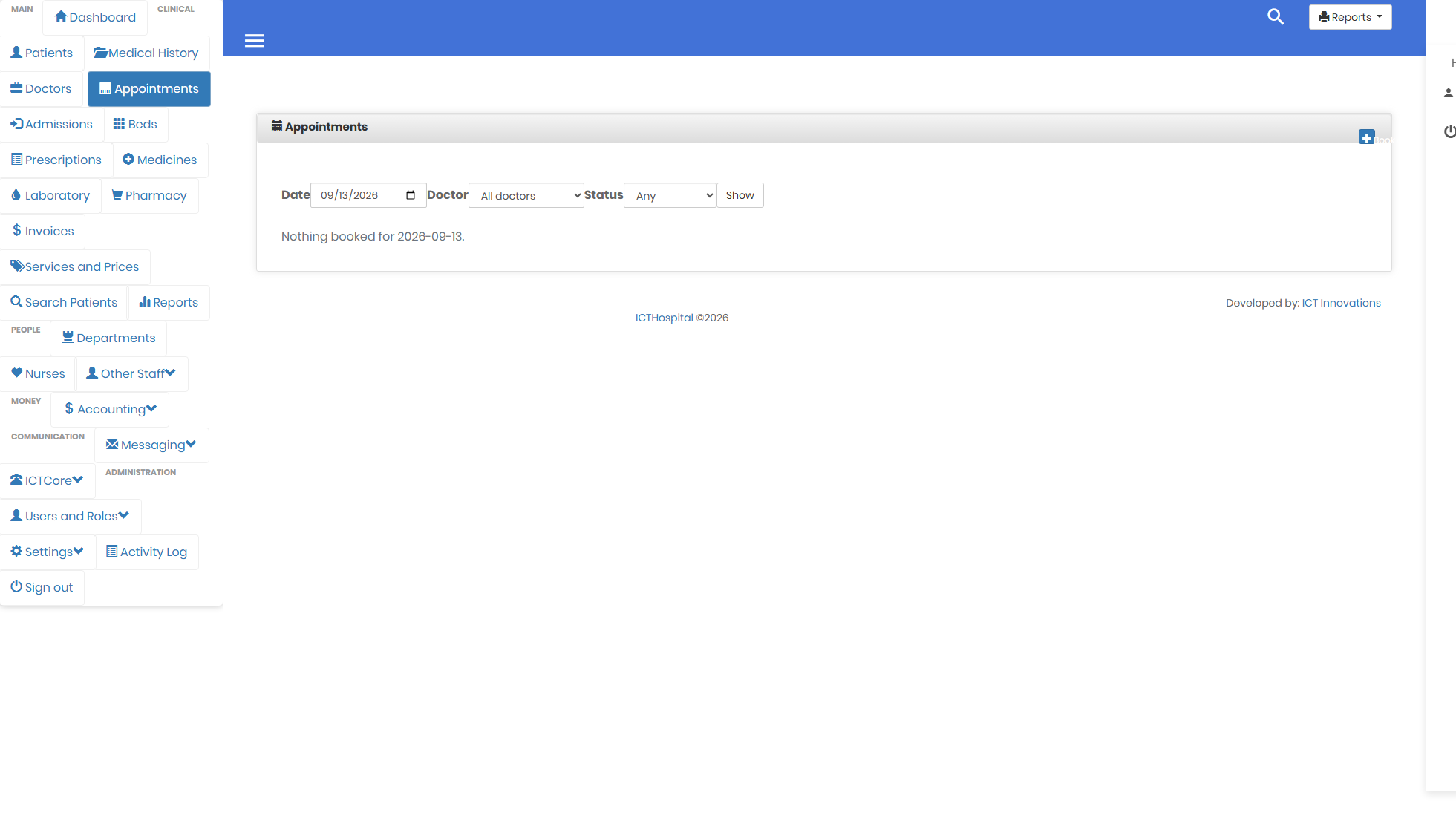
A doctor day, which is how availability is expressed here.
The day view is the schedule
Filter by doctor and you have their day. The system refuses to book two patients into the same slot and names the clash, while allowing back to back appointments, because touching ends are not a clash and that is how clinics run.
The check holds a database lock, so two clerks on the phones cannot both pass it and both write. More on booking.
Reminders run on their own
Two scheduled jobs, both safe to leave on cron:
php artisan hospital:appointment-remindertexts everybody due in tomorrow.php artisan hospital:payment-remindertexts everybody whose invoice is short of what they have paid.
They run against your own records and send through ICTCore, so patient numbers do not have to leave your infrastructure to reach a gateway. If messaging is not configured yet, both report what they would have done rather than failing, which means you can put them on cron before the rest is set up.
Whether they go out as SMS or as voice is a setting. More on messaging.
What is not here
There is no shift rota or duty roster. A doctor’s availability is expressed by what is booked against them, not by a published schedule you draw up in advance and staff read off. The older product had a schedule screen of its own; this one does not.
If a rota is something you need, tell us what it has to produce and we can talk about it properly rather than leaving a page here implying it already exists.
See it rather than read about it. Booking and reminders are covered in the user guide.
The user guide walks the whole system in the order you would meet it, and the screenshots page has every screen. The source is on GitHub under the GPL v3.